What this guide covers
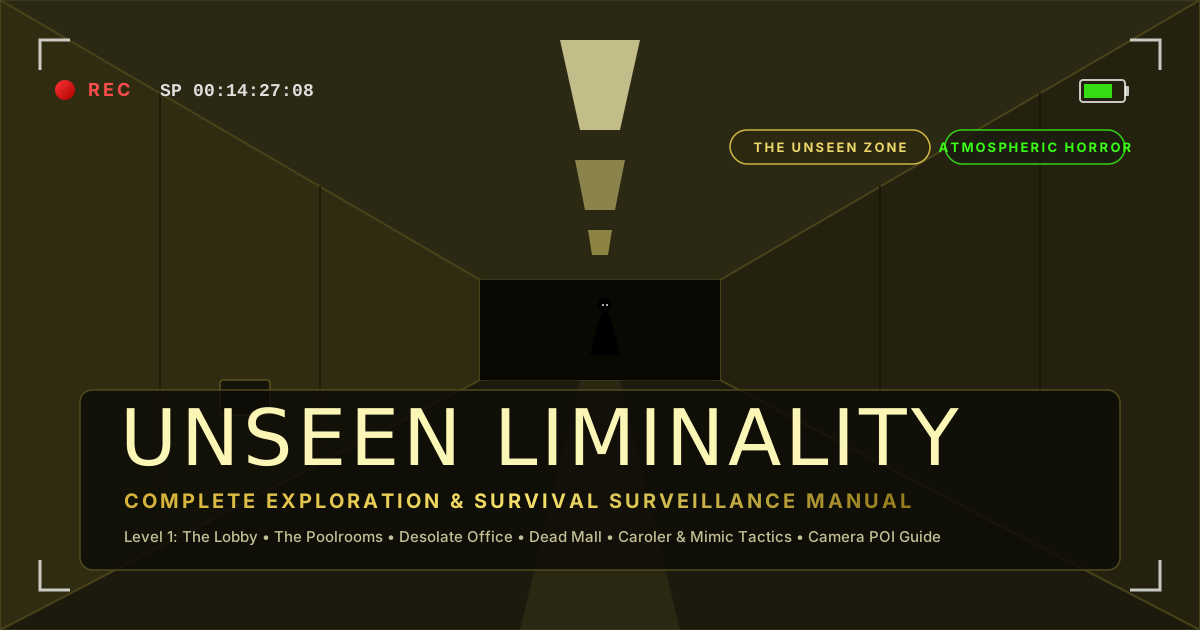
Unseen Liminality is an exploration experience on Roblox by The Unseen Zone. This starter guide sticks to the controls and setup advice shown on the official experience page.
Start exploring
The developer describes the experience as an exploration game set in endless liminal hallways, where players look for what lies behind the walls and in the shadows. Its official page recommends playing with graphics set to maximum for the intended experience.
Published controls
| Key | Action |
|---|---|
| Q | Settings |
| C | Crouch |
| Left Shift | Sprint |
| V | Zoom |
| Ctrl | Mouse lock |
A straightforward first session
- Open settings with Q and set graphics to maximum if your device can run it smoothly; this is the developer’s recommendation.
- Try crouch, sprint, zoom, and mouse lock before you explore farther.
- Take your time in the hallways and look for details that suggest a route behind the walls or into the shadows, matching the exploration described by the developer.
Use the live experience page
The Roblox listing is the source for the developer’s current controls and description. Check it for any changes to the experience.
Frequently asked questions
Where can I play Unseen Liminality?−
The Unseen Zone publishes it as a Roblox experience. Open the official experience page linked below.
What does V do?+
The official controls list says V activates zoom.
What graphics setting does the developer recommend?+
The experience page recommends maximum graphics for the best experience. Lower them if performance requires it.
Official source
Controls, the exploration premise, and the graphics recommendation are taken from the developer’s Roblox experience page.